VS Code Extension
Recent items mentioning VS Code Extension across the Databricks ecosystem — releases, news, videos, and community Q&A. Updated hourly.
Databricks Asset Bundles in the extension now deploy only through the direct engine, since v2.21.0 removed the Terraform engine and its bundled binary 4. That follows v2.20.0, which migrated bundle deployment state to the direct engine and raised the minimum VS Code version to 1.104 5. The latest v2.23.0 adds a setting to stop the extension writing Jupyter cell-marker settings to workspace settings, and it makes claude and codex available in SSH tunnel connections with Unity Gateway preconfigured 1. Bundle views also now work in Remote SSH mode 3.
Generated daily from the 5 most recent items mentioning VS Code Extension. Click any [N] to jump to the source.
Release: v2.23.0 (#2277)
The extension now has a databricks.notebooks.configureJupyterCellMarkers setting to stop it writing Jupyter cell-marker settings to workspace settings, and claude and codex are available in SSH tunnel connections with Unity Gateway preconfigured. The bundled Databricks CLI moves to v1.23.0, which restores legacy-import uploads for bundle deploys (so notebooks are no longer uploaded as plain files) and adds workspace.sync_mode, replacing the deprecated presets.source_linked_deployment and experimental.immutable_folder.
Inside dbt v2: how a rebuilt SQL engine makes linting up to 250x faster
dbt v2 rewrites the Jinja engine in Rust so dbt understands SQL grammar for the first time, making its linter 40 to 250 times faster than standard SQLFluff by skipping warehouse introspection queries. The same foundation powers new local features including five dbt-specific lint rules, SQL-based dbt checks, strict static analysis with column-level lineage, and Compare Changes data diffs in the VS Code extension.
Release: v2.22.0 (#2272)
Release v2.22.0 stops bundle sub-project discovery from blocking the extension host and has VS Code handle proxies and certificates for Databricks SDK calls. It also fixes uv workspace member environment selection and constraint conflicts, and exposes the bundle Configuration view and Bundle Resource Explorer in Remote SSH mode.
Release: v2.21.0 (#2248)
Databricks Asset Bundles now exclusively deploy using the direct engine, removing the Terraform deployment engine and its bundled binary. This release also restores default TLS certificate verification for SDK calls and sorts folders alphabetically in the Workspace File System view.
Trouble while Maintaining Databricks Genie Agents (VS code extension available?)
Release: v2.20.0 (#2232)
The extension now requires VS Code 1.104 or later and immediately refreshes the Bundle Variables view when overrides are saved or reset. Upgraded Databricks CLI integration migrates bundle deployment state to the direct engine and errors if a configured workspace ID does not match the connected workspace.
Release: v2.19.0 (#2215)
Users can now configure a custom Databricks CLI path and utilize HTTP proxies or corporate CA certificates with the SDK and bundled CLI. The update also resolves a potential ReDoS vulnerability during email redaction on large inputs.
Release: v2.18.0 (#2201)
The Python setup success panel now displays which preset configuration was selected. The bundled Databricks CLI is updated to v1.17.0, enabling SSH sessions to survive transient disconnects for more reliable connections.
Jobs and Runs UX is Frustrating
I'm not new to Spark, but I'm pretty new to the Databricks platform. I am finding that the UX for monitoring jobs and runs is very rigid, and doesn't present my workloads as I would expect. Here is one simple example. If I submit a run with the "jobs/runs/submit" API then I can provide a custom and ad-hoc "run_name" that appears in the management console called "Runs". This is good. But if I submit a run that references a pre-existing job (using the "jobs/run-now" API) then there is NOT a way to provide a custom "run_name" that will be displayed in the databricks console. The only name that can be shown is the job's name. There are other things that don't seem right either. If I enter custom "tags" on my jobs, then I will be able to use the tags to filter on the Jobs list. But when I click on the Runs list, I can't filter on those same "tags" anymore. IMO, those tags are just as useful on BOTH screens. Another example - the UX doesn't allow me to show more than 20 completed runs at a time. I have to click the Next/Previous button to find runs. Paging thru a long list of runs is a really painful experience. I'm also a user of Microsoft Fabric. I once thought that the "Monitor" console of Fabric was pretty unfriendly ... but now that I'm in Databricks I realize that I'd much rather use their endless scrolling UX design, than having to spam-click the Next/Previous buttons. Even the HDInsight-yarnui allowed me to navigate my workloads more easily than I can in databricks; and that UX is a decade old by now! Is there a different UX experience for Jobs and Runs that I'm missing? Maybe a VS code extension in the community or something like that? Any tips would be appreciated. submitted by /u/SmallAd3697 [link] [comments]
Release: v2.17.2 (#2191)
The bundled Databricks CLI was updated to v1.16.1, fixing an SSH transfer regression for transfers larger than 1 MiB. No other user-facing changes are included in this release.
Release: v2.17.1 (rollback to v2.16.0)
v2.17.1 rolls back to v2.16.0 to fix an SSH connectivity regression introduced in v2.17.0. The v2.17.0 improvements will return in a future release once the underlying issue is resolved.
Release: v2.17.0 (#2187)
The Python environment setup now includes a preset picker for Full, DB Connect, or Python-only configurations with improved error recovery and actionable error messages for common issues. Script uploads now preserve stdout on failure, and the Databricks CLI was updated to v1.16.0.
 Tutorials
Connect VS Code to Databricks: The SSH Tunnel Guide
Databricks' SSH tunnel feature lets you connect local IDEs and coding agents directly to your workspace, enabling you to edit and run code on Databricks compute while keeping files automatically synced. The connection supports multiple IDEs through either CLI commands or an extension, with options for serverless compute, GPU acceleration, and base environment management to avoid reinstalling dependencies.
Release: v2.16.0 (#2172)
Users can now manually opt out of automated Python environment setup or install uv through a single click. The update also prompts for re-login on local session expiration and fixes a failure when running notebooks containing JSON string cells as Databricks jobs.
Release: v2.15.0 (#2155)
AI tools installation now displays which agents cannot be installed in the picker and Agents tree. The extension warns users when a bundle configuration uses the deprecated Terraform engine.
Release: v2.14.1 (#2140)
Python environment setup now shows live progress narration and displays confirmation toasts when setup succeeds with warnings. Bug fixes prevent duplicate profile sections in .databrickscfg during OAuth setup and ensure the host CLI is checked before starting SSH tunnels.
Release: v2.14.0 (#2137)
The extension now offers one-click automated Python environment setup that configures a local .venv to exactly match your target cluster's Python version and dependencies, eliminating the classic "works locally, breaks on Databricks" mismatch. Copy actions have been added to the configuration view for easier row management.
DQX Forge - Extension for DQX in Databricks
Hey guys, i'm just launched a VsCode extension for Data Quality proccess using DQX. The idea is simplify the process using AI (you can do it manually to). The extension construct data contracts, jobs and dashboards, all of that with few clicks and with less than 10 minutes. If you can, please, test and send me a feedback, so i can improve that. You can download directly in VsCode Extensions Marketplace, or https://marketplace.visualstudio.com/items?itemName=arthurfr23.dqx-forge https://preview.redd.it/peasj2p0ajkh1.png?width=3418&format=png&auto=webp&s=4b2b9c9dd3ca68c65a3c45fd08a6e793396d5dff submitted by /u/Significant-Side-578 [link] [comments]
Release: v2.13.1 (#2106)
v2.13.1 fixes terminal commands on Windows cmd.exe, resolving issues with creating new Databricks projects and other terminal actions. The release also fixes log display commands ("Show Bundle Logs", "Show Logs", "Show Error Logs") that weren't working on hosts like Cursor that scope log channel IDs.
Release: v2.13.0 (#2089)
V2.13.0 adds AI tools support and enables Unity Catalog in Databricks Remote SSH mode. The extension can now start SSH tunnels directly, with the Databricks CLI updated to v1.11.0.
Release: v2.12.4 (#2065)
Fixed job run status failing to update when the CLI returns modern job-run URLs. Updated bundled Databricks CLI from v1.7.0 to v1.9.0.
Release: v2.12.3 (#2012)
Fixed OAuth sign-in regression that was incorrectly redirecting users with custom workspace hosts to the public login page. Updated Databricks CLI to v1.7.0, which makes the direct deployment engine generally available and sets it as the default for new deployments.
Release: v2.12.2 (#1990)
This release contains only dependency updates with no user-facing changes or fixes. Updates include bcryptjs, markdown-it, shell-quote, and VS Code extension telemetry libraries.
Release: v2.12.1 (#1948)
v2.12.1 fixes relative include resolution in databricks.yml when referencing parent folders, addressing a longstanding path resolution issue. The schema file databricks-asset-bundles.json has been renamed to declarative-automatation-bundles.json, which may require updates to existing configurations.
Release: v2.12.0 (#1928)
v2.12.0 adds file creation support to the WSFS explorer and fixes the databricks-cli login timeout that caused indefinite WSL hangs. The release also corrects Databricks Connect's run/debug interpreter handling and fixes the Volume "Open in Databricks" routing.
Release: v2.11.1 (#1916)
v2.11.1 fixes Workspace file system operations for folder creation and file uploads, and resolves platform-specific Databricks CLI binary path detection. The release also clarifies Python environment activation messaging and corrects initialization of the WSFS and docs panels on extension startup.
Release: v2.11.0 (#1902)
The release introduces a Unity catalog explorer and workspace filesystem explorer for enhanced navigation of catalog resources and workspace files. It adds support for SPOG host URLs and updates Databricks CLI to version 1.2.0.
Release: v2.10.8 (#1899)
Bump Databricks JS SDK to 0.17.0
Databricks Connect v2.10.7 wants admin permissions on local machine
Anyone experienced this already? When I (auto)updated databricks connect plugin in VSCode today I needed to create a new Auth profile. I was taken to a new login screen where I needed to give Databricks admin permissions (which I can't give on company resources). Anyone experienced this / has way around it? Somehow it mostly seems to affect the Databricks connect plugin as my CLI seems to work,but this doesn't bode well for the (near) future. (edited company info out) https://preview.redd.it/m27ignwc232h1.png?width=434&format=png&auto=webp&s=f05168a6c95cdba6b753628ad15256245d129ddc # packages/databricks-vscode # (2026-05-07) * Add remote mode for initial Remote Development compatibility (#1861) ([9e768db](https://github.com/databricks/databricks-vscode/commit/9e768db)) * Rename "Databricks Asset Bundles" → "Declarative Automation Bundles" (#1864) ([62a94e1](https://github.com/databricks/databricks-vscode/commit/62a94e1)) * Preserve profile name in Databricks CLI auth provider (#1877) ([3f54441](https://github.com/databricks/databricks-vscode/commit/3f54441)) * Fix new profile sign in using already existing host under different profile (#1893) ([c4c25fb](https://github.com/databricks/databricks-vscode/commit/c4c25fb)) * Include profiles with `account_id` in `listProfiles` results (#1894) ([d6e2e5d](https://github.com/databricks/databricks-vscode/commit/d6e2e5d)) * Update minimal python and dbconnect versions for serverless (#1884) ([5a1a1d5](https://github.com/databricks/databricks-vscode/commit/5a1a1d5)) * Update Databricks CLI to v0.297.2 (#1882) ([ea77424](https://github.com/databricks/databricks-vscode/commit/ea77424)) — see the [CLI release notes](https://github.com/databricks/cli/releases) for changes since v0.286.0
Release: v2.10.7 (#1895)
Remote Development mode is now available in the extension for VS Code remote setups. Databricks Asset Bundles has been renamed to Declarative Automation Bundles and profile authentication issues have been fixed.
Release: v2.10.6 (#1858)
This release fixes an issue where the extension would not correctly handle 404 errors from the Databricks SDK. This improves stability when interacting with Databricks resources.
Release: v2.10.5 (#1834)
Update Databricks CLI to v0.286.0
Release: v2.10.4 (#1821)
Update Databricks CLI to v0.280.0
 Tutorials
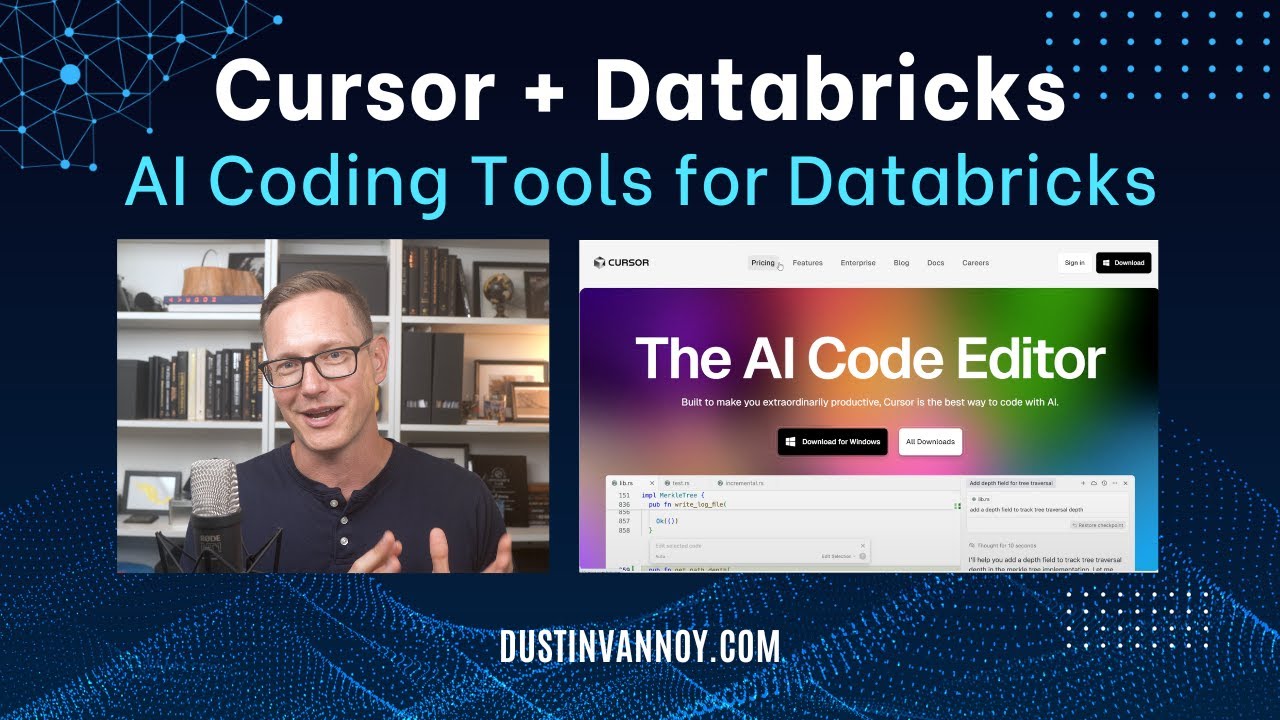
Databricks + Cursor IDE: Step-by-Step AI Coding Tutorial
The video demonstrates using Cursor IDE for AI-enhanced Databricks development, focusing on setting up Databricks Connect and leveraging Cursor rules and context for efficient code generation and testing. It shows how to structure projects, write Python and PySpark code, and create unit tests, highlighting the importance of providing clear instructions to the AI agent.
Release: v2.10.3 (#1772)
This release updates the Databricks CLI to v0.266.0, which includes breaking changes. Databricks practitioners should review the CLI release notes for details on these changes.
Release: v2.10.2 (#1738)
Update Databricks CLI to v0.259.0
Release: v2.10.1 (#1704)
This release updates the Databricks CLI to v0.253.0 and improves virtual environment management by using UV. It also adds support for complex variables in the UI and prevents sys.exit calls in Jupyter initialization scripts.
Release: v2.9.4 (#1670)
Rollback Databricks CLI to v0.245.0 to fix auth problems
Release: v2.9.3 (#1665)
Update Databricks CLI to v0.248.0
Release: v2.9.2 (#1635)
Windows users can now run notebooks locally using the %run magic, fixing a previous bug. The Databricks CLI has been updated to version 0.245.0.
 News
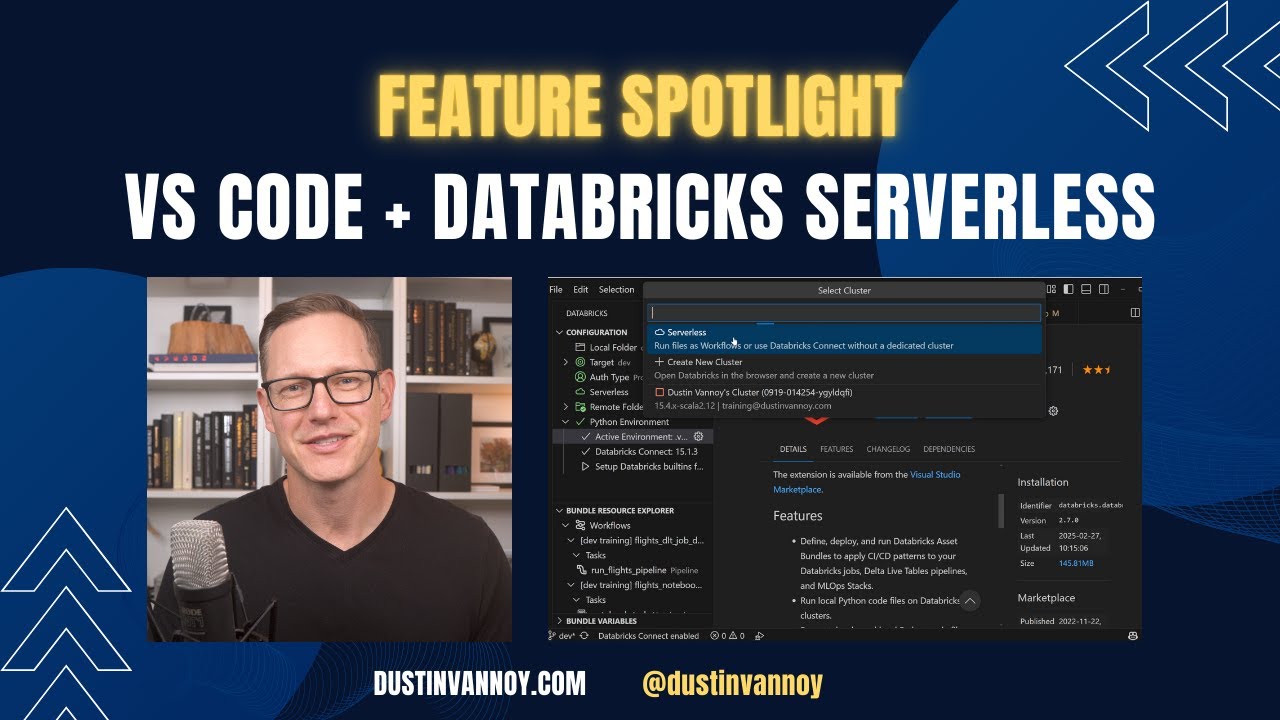
Databricks VS Code Extension: Serverless Compute!
Databricks released serverless compute connectivity for the Visual Studio Code extension, enabling fast compute spin-up without requiring cluster configuration or node type selection. Users can run Python files and Jupyter notebooks on serverless compute directly from VS Code, though they should monitor costs through system tables or dashboards since usage scales with workload demands.
 Tutorials
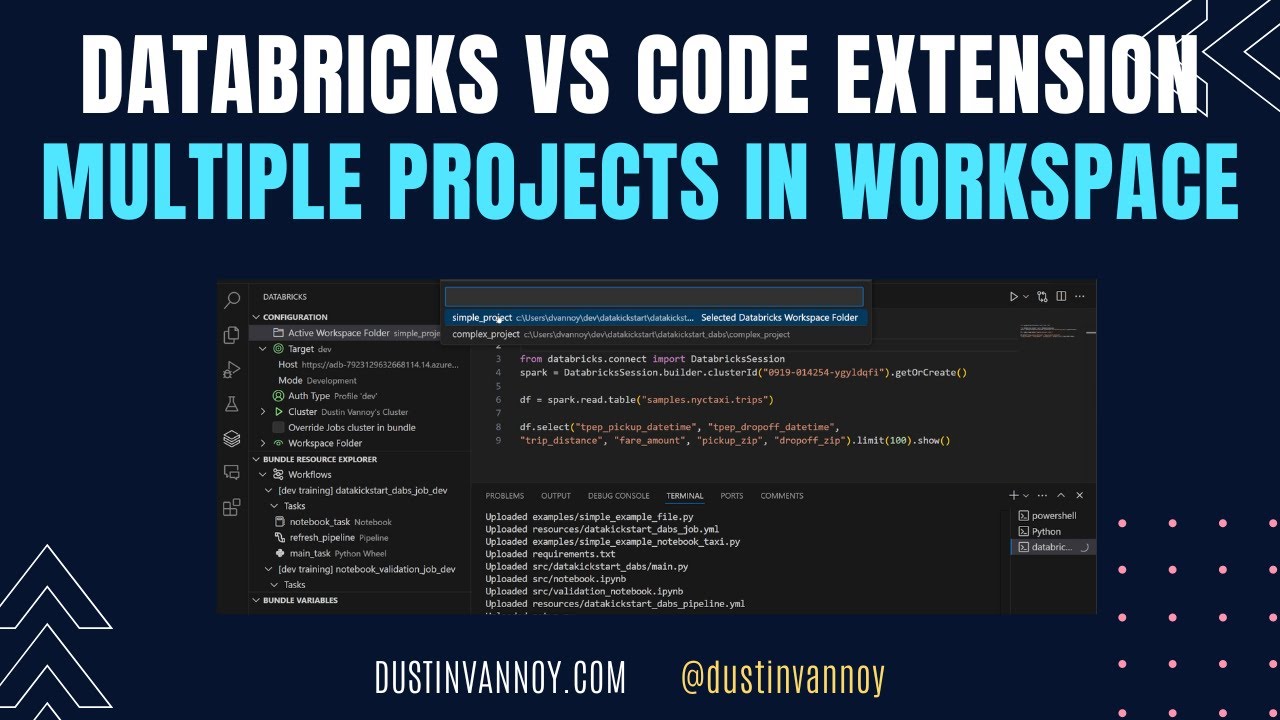
Databricks VS Code: Multiple Projects In VS Code Workspace
The Databricks VS Code extension allows you to add multiple project folders to a single workspace for mono-repos or separate repositories. You must switch the active workspace folder to work with different projects, as each maintains its own configuration and authentication.
 Tutorials
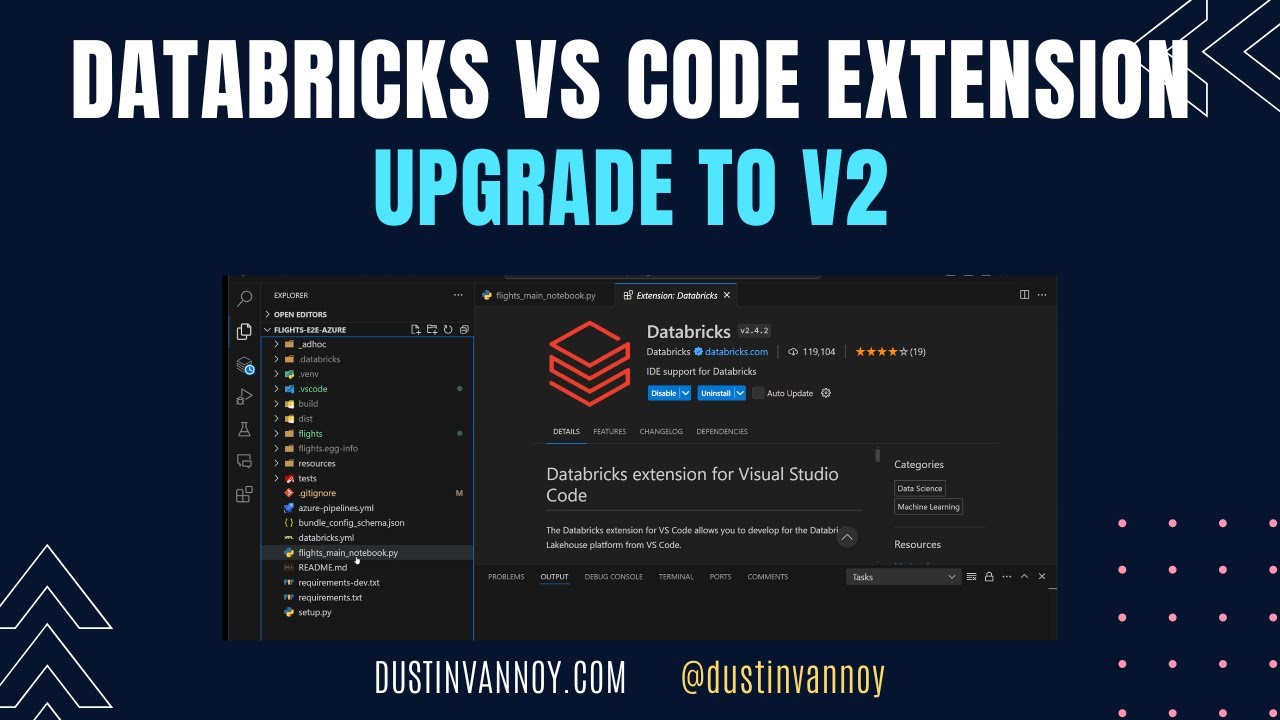
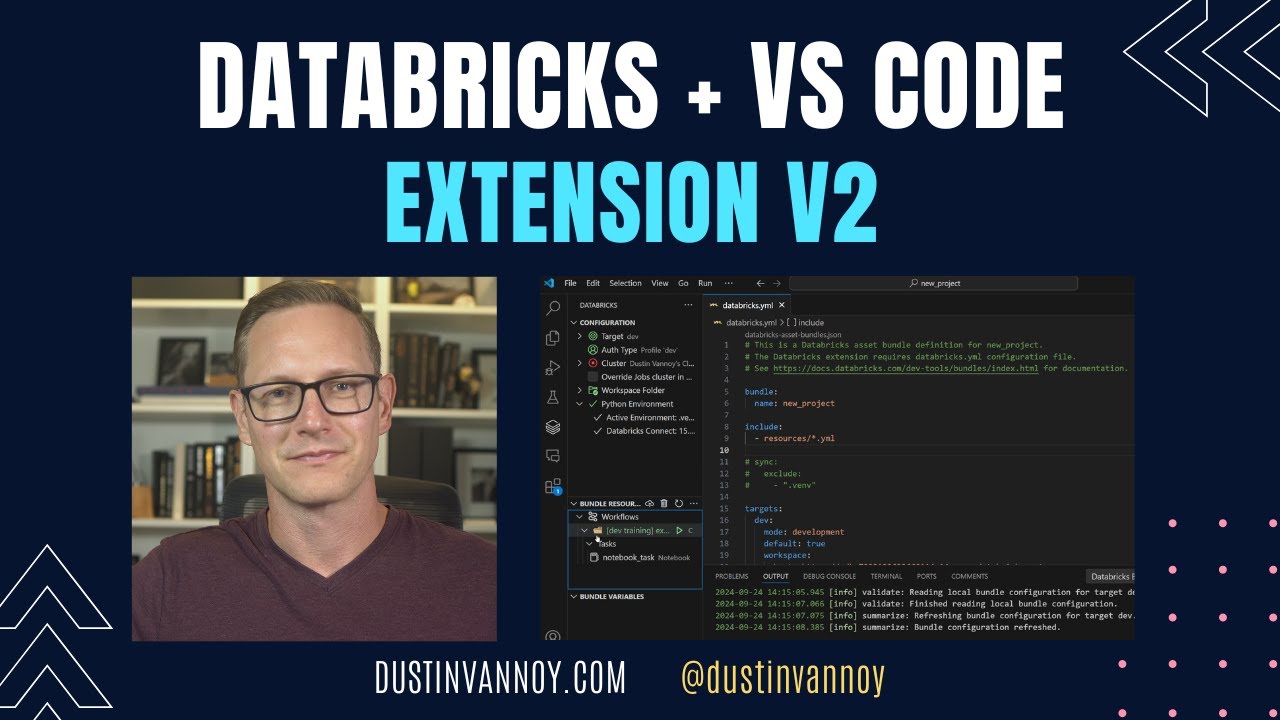
Databricks VS Code Extension v2: Upgrade steps
The upgrade process requires creating a new authentication profile, setting up a Python virtual environment with the version matching your cluster, and allowing the extension to read connection details from databricks.yml. Once configured, the extension enables running notebooks as workflows, uploading and executing files, and using databricks-connect for interactive step-by-step execution.
 Releases
Databricks VS Code Extension v2: Setup and Feature Demo
Databricks VS Code Extension v2 allows developers to run Python files and notebooks against Databricks clusters from their local IDE, supporting multiple execution methods including workflow jobs, hybrid local-remote execution via Databricks Connect, and interactive debugging. The extension enables direct management and deployment of Databricks asset bundles and jobs within VS Code, eliminating the need to switch to the web workspace for development tasks.
 News
Best Practices for Running Efficient Apache Spark™ Workloads on Databricks
The video demonstrates best practices for optimizing Apache Spark workloads and developing applications on the Databricks platform. It highlights key features such as Unity Catalog for governance, Delta Live Tables, the VS Code extension, Databricks Asset Bundles, workflows, and predictive I/O for faster queries and updates.