AI Functions
Recent items mentioning AI Functions across the Databricks ecosystem — releases, news, videos, and community Q&A. Updated hourly.
Databricks shipped five Predictive AI Functions: an upgraded ai_forecast plus new ai_top_drivers, ai_detect_anomalies, ai_predict_value, and ai_predict_class, all usable from SQL and Genie without building or maintaining models 4. Document workflows now run end to end on AI parse, classify, and extract, taking files from a volume through typing and data extraction to automated workflows 53. The Python SDK v0.144.0 adds an ai_decide method to the AI functions service 6, and AI Functions can also generate realistic synthetic test datasets in pure SQL 2.
Generated daily from the 6 most recent items mentioning AI Functions. Click any [N] to jump to the source.
 Tutorials
Lakebase Search: Build AI Retrieval for Agents with Lakebase Postgres
Lakebase Postgres introduces lakebase vector and lakebase text extensions to support hybrid search for AI agents. It leverages the Databricks Lakehouse architecture to synchronize and index data for efficient vector and full text search without requiring external databases.
AI Functions for Synthetic Test Data: Generate Realistic Datasets in Pure SQL
 Tutorials
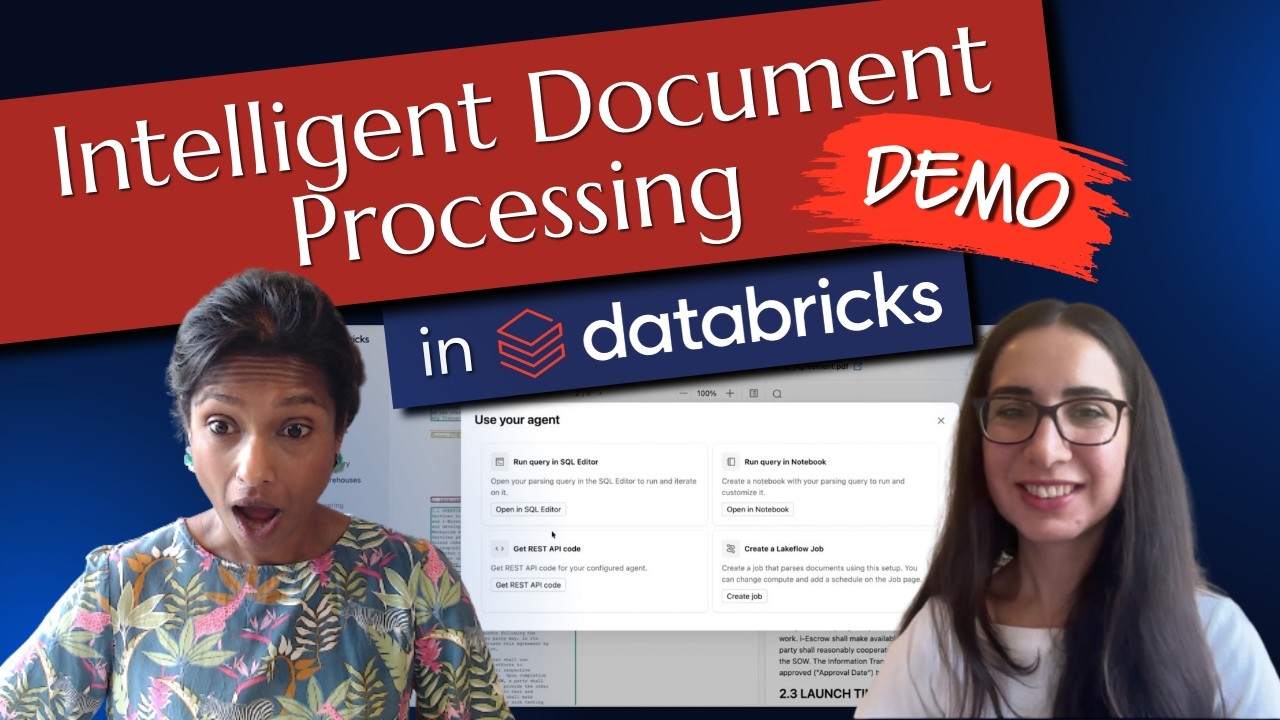
Demo: Intelligent Document Processing in Databricks | Feat. Databricks' Sepi
The video demonstrates how to use Databricks for intelligent document processing by parsing, classifying, and extracting information from documents using AI functions. It shows an end-to-end workflow where documents are uploaded to a volume, parsed, classified by type, and used for data extraction and automated workflows.
Unlock powerful insights and forecasts with Predictive AI Functions
Databricks has introduced five Predictive AI Functions, featuring an upgraded ai_forecast alongside the new ai_top_drivers, ai_detect_anomalies, ai_predict_value, and ai_predict_class. These tools allow SQL analysts and business users to generate predictions, detect anomalies, and uncover metric drivers directly within Genie and existing workflows without building or maintaining models.
 News
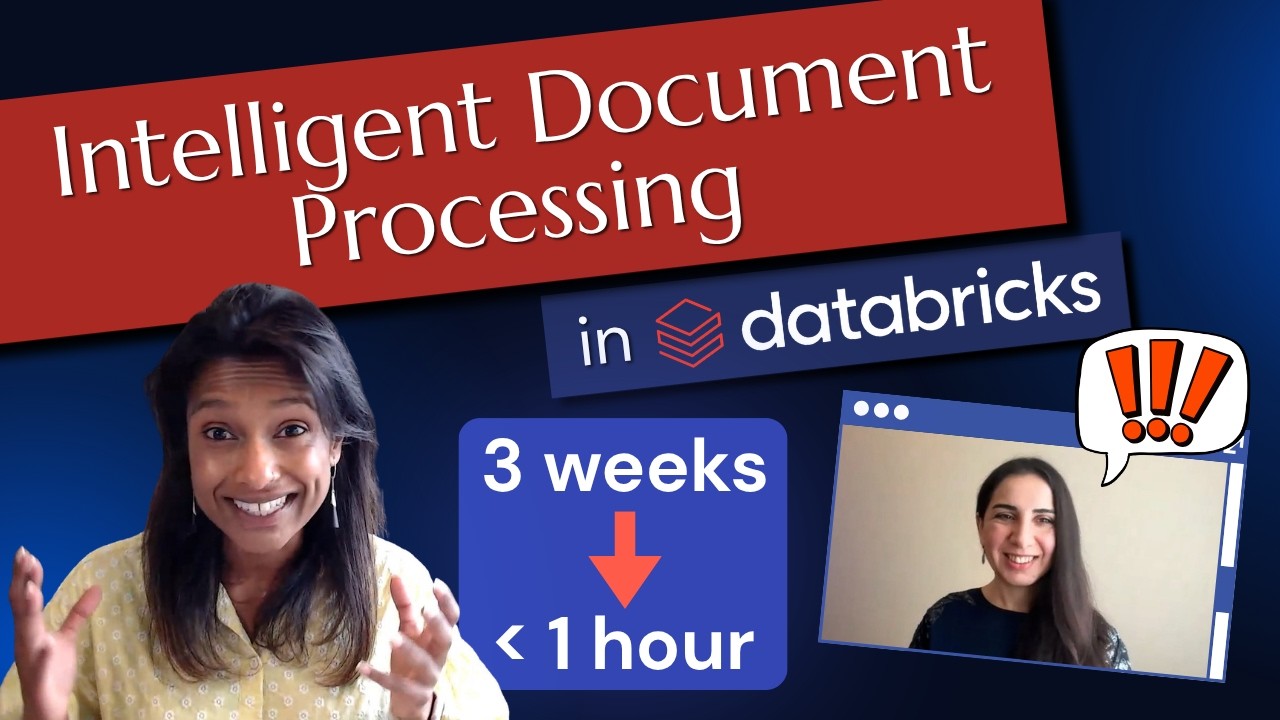
Intelligent Document Processing in Databricks: Everything You Need to Know - feat. Databricks' Sepi
The video teaches how Databricks Intelligent Document Processing extracts information from unstructured data sources like PDFs and images using built-in AI functions. It demonstrates the use of AI parse, AI classify, and AI extract to systematically bring enterprise data into the lakehouse.
Turning P&C Claim Documents into Structured Data with Databricks AI Functions
Databricks ai_decide: The AI Judge That Never Writes a Word
Use Databricks ai_decide() to grade every ai_query output in SQL and decide what gets sent, without a second LLM submitted by /u/Lenkz [link] [comments]
Routing between GLM 5.3 Flash and GLM 5.3 with ai_decide: a cheap router in front of ai_query
The AI functions service now supports an ai_decide method, and multiple Jobs and Tasks models now accept environment variable configurations. Additionally, command_path in DeploymentSpec and api_secret_ref in SchemaRegistryConfig are no longer required fields.
Running open-Jev in SQL on Databricks
Run models like SemIf-OpenJev directly on governed Databricks data using serverless GPUs and managed Model Serving. Query custom endpoints from SQL or Lakeflow jobs using ai_query to return structured decisions and probability scores at scale, with an importable notebook to deploy and adapt the workflow.
AI is apparently getting a new name: SI (Super Intelligence)
Donald Trump said at the UN that super-intelligence will replace artificial intelligence in US government documents. If you work with Databricks, this probably sounds strangely familiar. So now I’m wondering… was Databricks just preparing for this? Because there are still plenty of names left: AI Search → SI Search? AI Functions → SI Functions? AI Runtime → SI Runtime? AI Gateway → SI Gateway? P.S. I keep track of Databricks renames and product changes on REbricked.org submitted by /u/Significant-Guest-14 [link] [comments]
 Tutorials
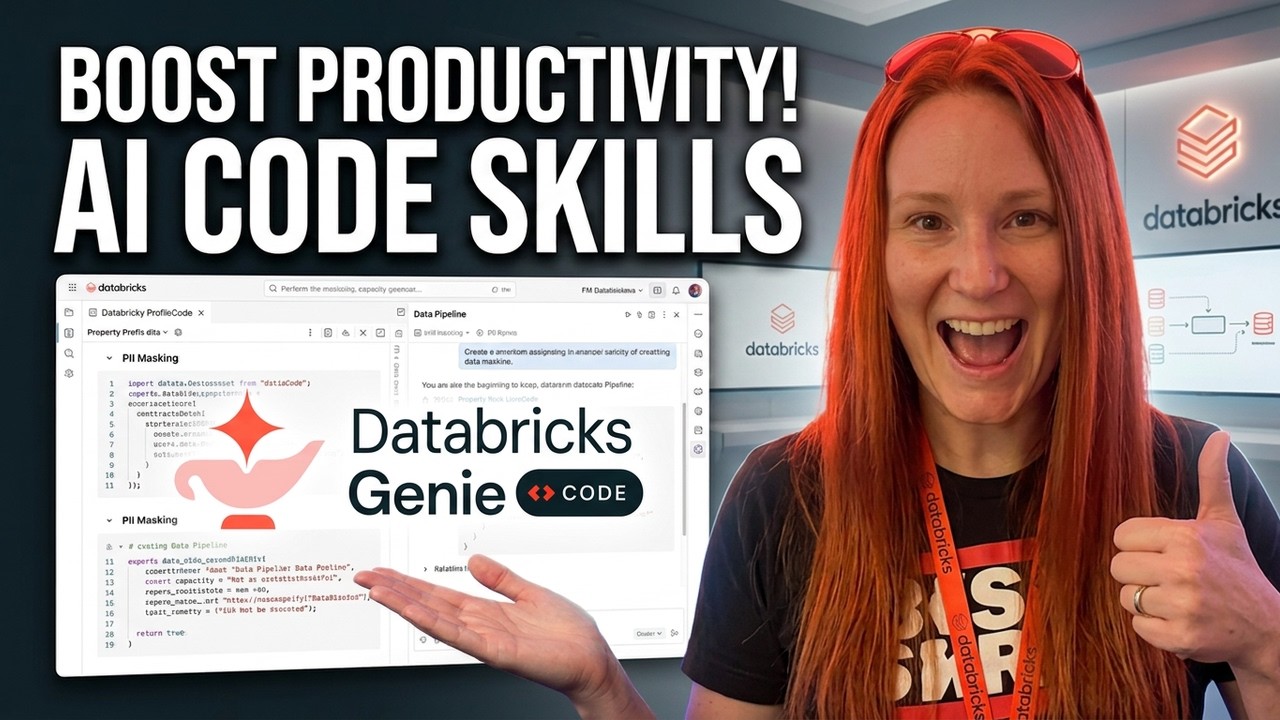
GenieCode Explained: Instructions & Skills
GenieCode personalization uses Instructions, Skills, and MCP servers to enforce organizational standards at workspace or user levels. A live demo shows these features in action, applying custom rules for PII handling, naming conventions, and SQL-based architecture in data pipeline generation.
Manager wants us to "use AI." Thinking about an AI-driven data testing framework for DevOps promotions. Sanity check?
Although we are using genie code alot but manager wants some functionality based on AI. ( maybe that’s hood goal). Our devs hate manually writing tests, so I'm drafting an automated testing gate for DevOps promotions (Local ➔ Dev ➔ QA). Wanted review with all of you. The Proposed Architecture: 1. Extract Metadata: Pull column tags, schemas, and lineage from Databricks Unity Catalog. 2. AI-Generated Tests (Llama via ai_query ): LLM reads metadata to draft SQL data checks (nulls, types, basic business logic). 3. Persist & Cache: Save SQL rules to a table. Re-generate only when schema hashes change so bug-fix retests stay 100% deterministic. 4. Execution: Run the generated SQL on a SQL Warehouse (fast, cheap, no LLM cost per data row). 5. Alerting: Feed error logs to LLM for a 2-sentence summary and send directly to Teams via Webhook (avoiding ignored email reports). How does it sound like? Is it really worth it? Anybody using this or any other AI based functionality to make devs life easy. submitted by /u/Terrible_Mud5318 [link] [comments]
Release introduces three new workspace services (AI Functions, Domains, Sandbox), extends Feature Engineering with new backfill and operation management methods, and adds AWS Secrets Manager and Azure Key Vault connection support. Multiple breaking changes remove fields from model serving and catalog configurations that may require code updates.
This release adds SDK support for AI Functions and Sandboxes, as well as new backfill management methods for Feature Engineering. Breaking changes remove the owner field across multiple catalog model services, along with trafficSplitting from model routing and disabled from inference table configurations.
 News
Databricks LakeFlow Designer: Visual Pipelines, Real Code
LakeFlow Designer is a visual no-code tool for building governed data pipelines that generates transparent SQL or Python code. Recent releases add AI-powered operator search, on-demand custom operators, direct table transformations, email notifications, and built-in visualizations.
Enhancing Agent Retrieval with Structured Chart Extraction
Extracting charts as structured JSON with ai_parse_document improves document retrieval and agent answer accuracy on chart-based questions while outperforming large multimodal embedding models. By indexing these extractions with lightweight 300M-parameter text embeddings via Databricks AI functions, practitioners can enable tools like Databricks Genie to reliably resolve fine-grained numerical queries from visual documents.
Databricks: 5 Minute Features - AI Functions
To celebrate that AI functions are now a fully governed part of Unity Catalog alongside the rest of your functions I thought it would be fun to do a run through of how easy it is to use. submitted by /u/Remarkable_Rock5474 [link] [comments]
Tagging individual ai_query() calls in SQL?
Essentially the title, but for background we’re using ai_query() in Databricks SQL Warehouse and our pipeline makes 3 LLM calls in parallel for different steps. We can see token usage/cost in system.ai_gateway.usage, but we can’t tell which call came from which step. From what I can tell, request tags are possible via the Python/rest sdk, but not through ai_query() in SQL. Has anyone found a workaround, or is moving the calls out of SQL currently the only option? Edit for clarity: the main thing we’re trying to do is join each pipeline step back to system.ai_gateway.usage so we can attribute token usage/cost to steps a/b/c etc submitted by /u/hulioshort [link] [comments]
Using AI_Functions in Your Data Warehouse: Top Use Cases
Databricks AI Functions bring model inference directly into your data warehouse using pure SQL, replacing external APIs and brittle Python scripts for tasks like document parsing, translation, and text classification. By executing functions like ai_parse_document and ai_classify natively inside existing query plans, teams can process unstructured data without shipping it outside Unity Catalog governance.
Ingest semi-structured data faster and more efficiently with Variant - Now Generally Available
Databricks Variant is now Generally Available, enabling teams to achieve up to 30x faster reads on semi-structured data while handling unpredictable schema changes without pipeline updates. The feature is broadly integrated across the platform, supporting data workloads like Auto Loader and Spark Declarative Pipelines alongside AI tools like Agent Bricks and AI Functions.
Transforming solar and wind maintenance reports with Genie and AI agents
Plenitude now converts unstructured solar and wind maintenance PDFs into a unified, queryable data model using Databricks Genie and AI agents. This enables natural-language querying and visualizations across plants, accelerating multi-plant analysis and laying the groundwork for predictive maintenance.
 Tutorials
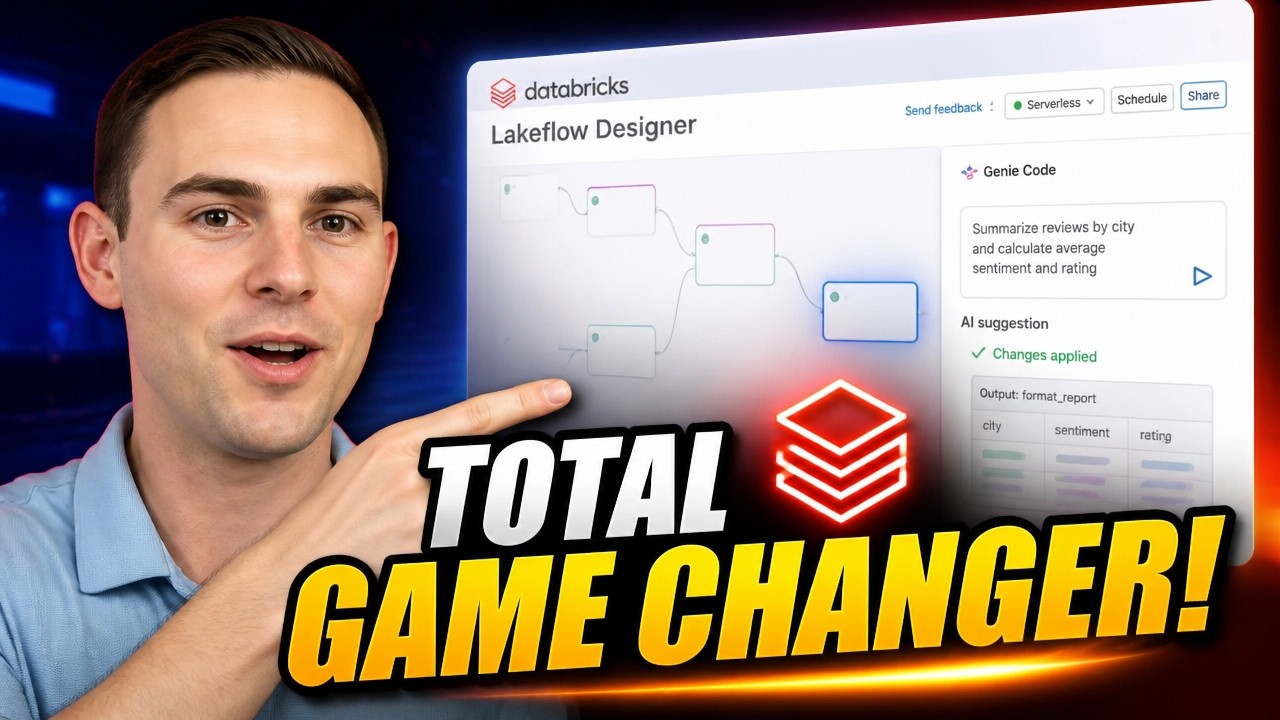
The New Databricks Lakeflow Designer Is a Game Changer!
Databricks Lakeflow Designer is a visual data preparation tool that allows users to create, add, and transform data using a no-code drag-and-drop UI or AI-powered Genie Code. The video demonstrates how to import data from various sources, profile data, perform complex transformations like data type conversions and sentiment analysis, and then deploy the resulting production-ready PySpark code for scheduling or integration into existing pipelines.
 News
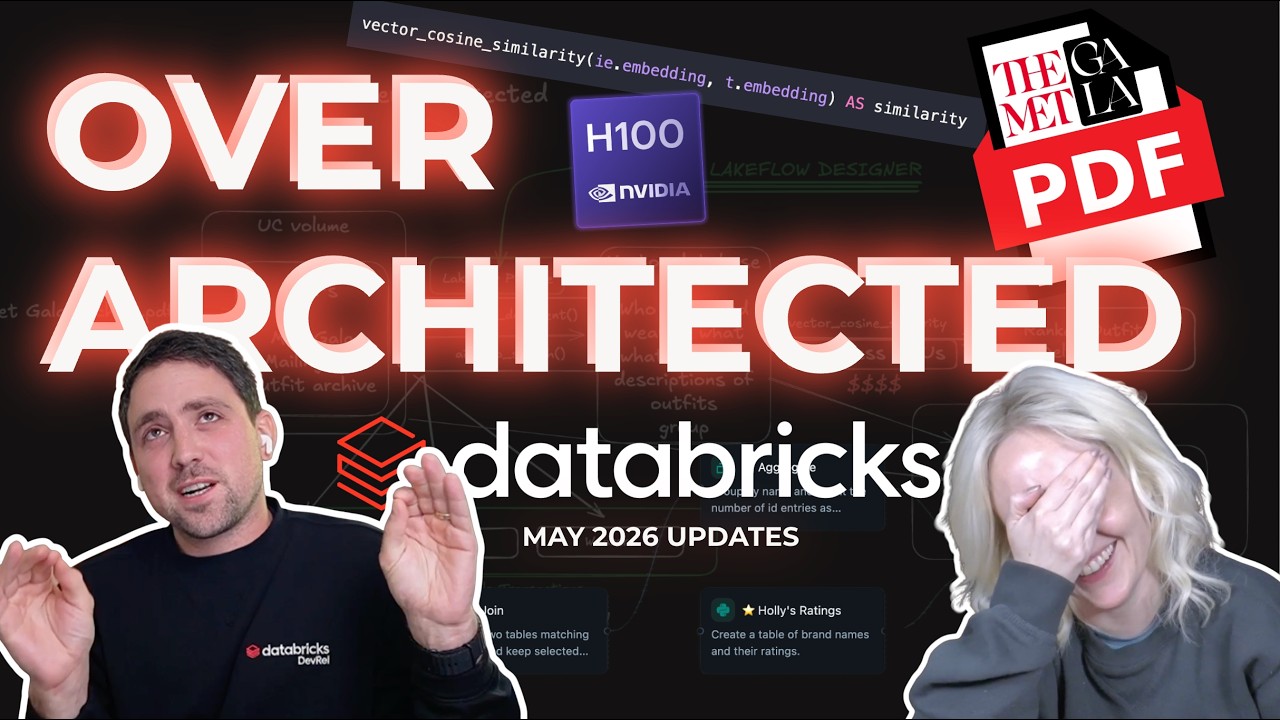
May 2026 Databricks Updates: No Code ETL, New GPUs and Death of the Dashboard
Databricks announced several updates including AI Prep Search for document chunking and vector database preparation, SQL vector functions for embedding mathematics, and the general availability of multi-table transactions. They also introduced Lakeflow Designer for visual, no-code data pipeline creation and updated their serverless GPU offerings to include H100s.
 Releases
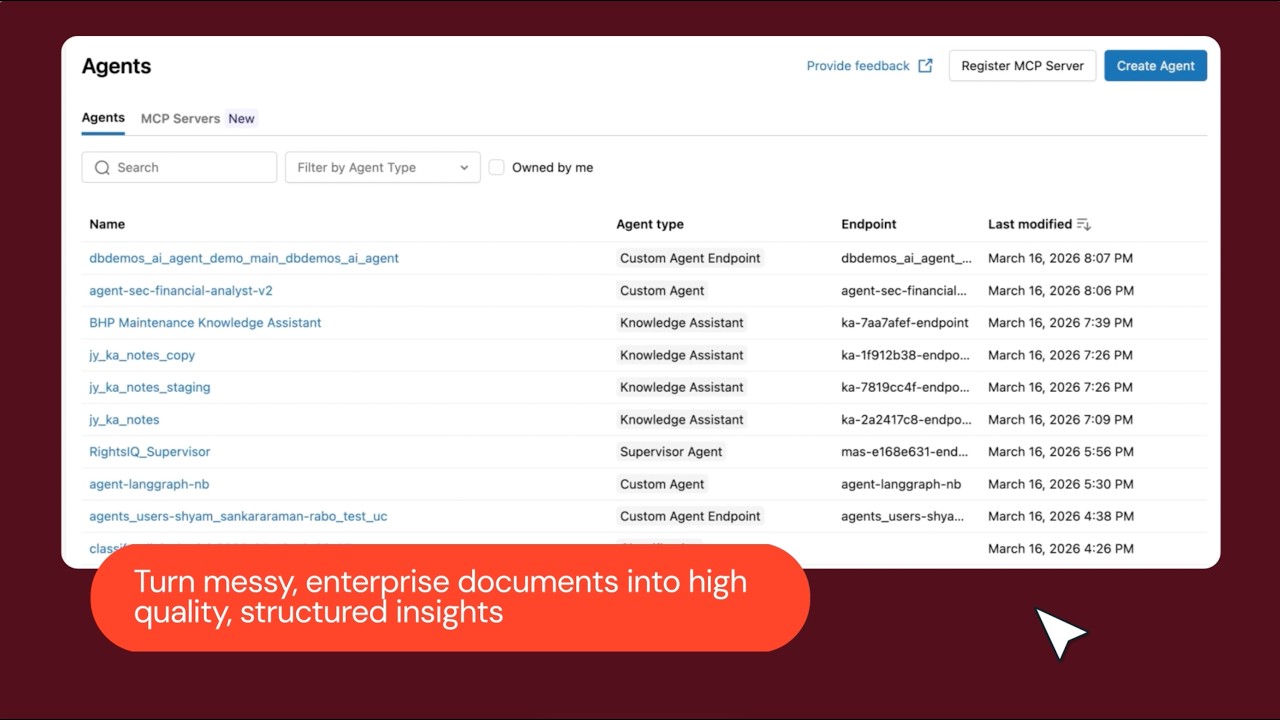
Introducing Databricks Document Intelligence
Databricks Document Intelligence is a new solution for extracting, processing, and analyzing unstructured data from documents using large language models. It offers a unified platform for document processing, including data extraction, summarization, and question answering, with a focus on accuracy and scalability.
Unity Catalog AI 0.4.0
DatabricksFunctionClient now accepts an optional warehouse_id parameter to execute functions via the Statement Execution API when serverless compute is unavailable, while serverless remains the default execution path. The release requires Python 3.10 or later and fixes issues with Gemini toolkit, LangGraph integration, OSS client function creation, and dependency declarations.
UnityCatalog 0.4.0
Unity Catalog 0.4.0 introduces AWS storage credentials and external locations enabling secure S3 access with automatic temporary credential vending, and makes CREATE TABLE AS SELECT atomic for Delta tables to prevent data corruption. Credential renewal defaults to enabled for long-running Spark jobs, and new DSPy integration allows UC AI functions to serve as tools in LLM agent workflows.
 Events
The Best Data Warehouse is a Lakehouse
Databricks SQL provides data warehousing capabilities on a lakehouse architecture, integrating core database features, governance, and business intelligence integrations. The platform utilizes AI systems to deliver automated query optimization, performance scaling, and built-in vector search functions.
 Tutorials
Data Warehousing using Fivetran, dbt and DBSQL
This video demonstrates how to ingest Salesforce data into the Databricks lakehouse using Fivetran, transform it using dbt, and govern, query, and visualize it using Databricks SQL. It also shows how to use built-in Databricks SQL AI functions to generate summaries of company descriptions using large language models.
 News
Unleashing Large Language Models with Databricks SQL's AI Functions
Databricks SQL AI functions allow users to process text and audio directly within SQL queries using large language models. The platform demonstrates how to use these built-in functions to perform tasks like text summarization, audio transcription, and sentiment analysis.